Now you'll use AI to generate the studio setup you chose and add yourself to it.
1
Go to Gemini
We recommend using Google Gemini as it's free and produces high-quality images.
2
Paste & Edit Prompt
Paste the prompt you copied in Step 1, then add a description of yourself at the end.
[...Paste Studio Prompt Here...]
Add a [DESCRIBE YOURSELF] sitting/standing in this setup, looking at the camera with a professional and friendly expression, wearing [YOUR CLOTHING CHOICE].
Tip: Be specific! Mention your hair color, style, ethnicity, age, and clothing color for the best results.
3
Generate & Download
Click generate, wait for the result, and download the image if you like it. If not, try adjusting your description.
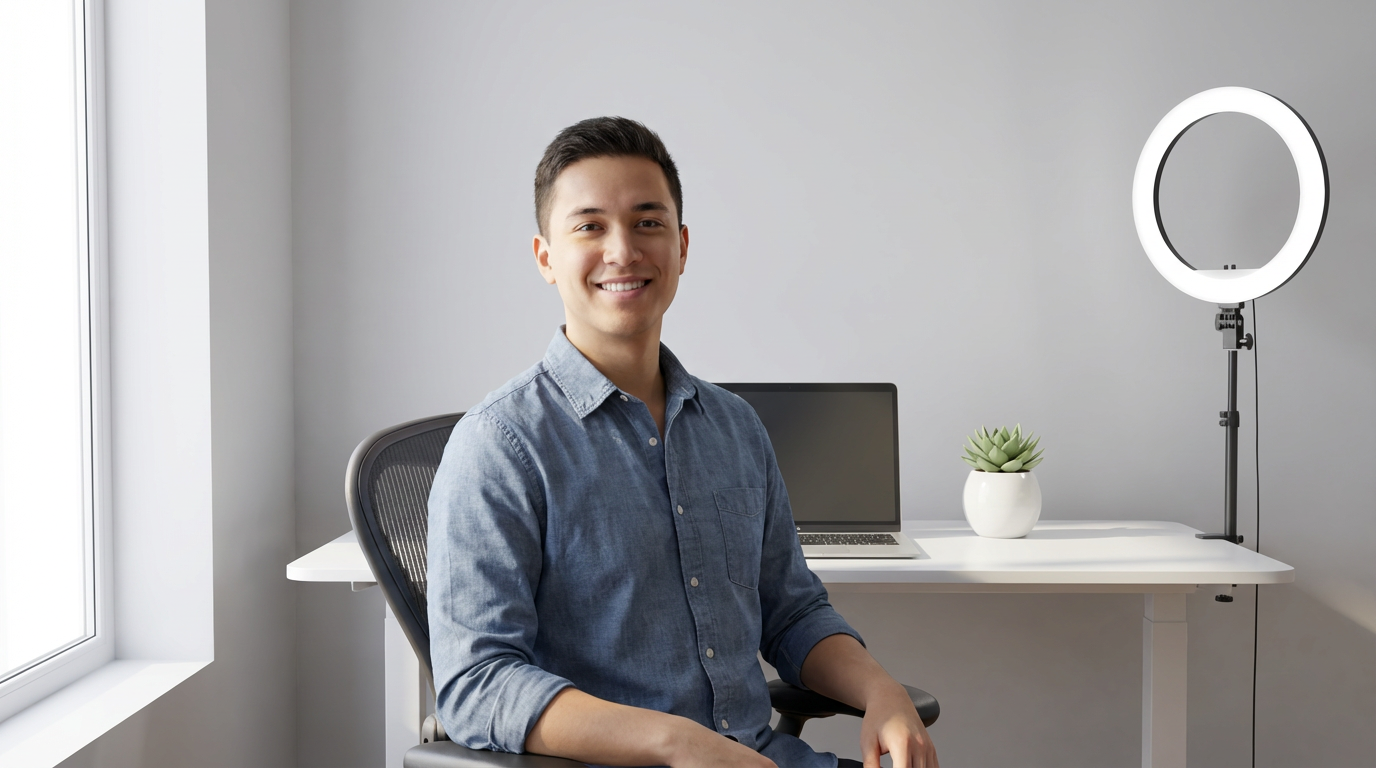
Example Result
Make sure the face is clear and looking at the camera. This is crucial for the avatar creation step.